


If you are still using Windows 7 and Adobe Reader, you may recently encounter the following error when launching the application (missing api-ms-win-core-winrt-l1-1-0.dll):
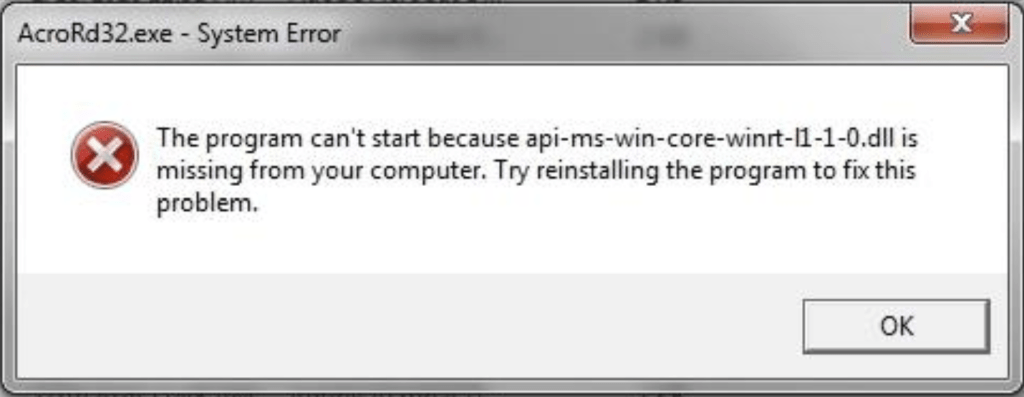
Reinstalling Adobe Reader usually does not fix this issue because the required DLL file is no longer included in recent Adobe builds for outdated operating systems like Windows 7.
However, if you have basic computer knowledge, you can try the following workaround.
Please proceed at your own risk. Incorrect handling of system files can cause system instability.
How to Fix the Missing api-ms-win-core-winrt-l1-1-0.dll Error
- Search for and download the file
api-ms-win-core-winrt-l1-1-0.dllfrom a trusted website. - After downloading, copy the DLL file into the following two system directories:
C:\Windows\System32\C:\Windows\SysWOW64\- Restart Adobe Reader.
If the correct DLL is placed in both locations, Adobe Reader should be able to detect it and launch normally.
Recommendation
Windows 7 has been end-of-life since January 2020, meaning it no longer receives security updates. For optimal security and compatibility, we strongly recommend upgrading to a supported version of Windows.